.png)

Switching IT providers can sound like a big undertaking.
Your new provider needs access to your systems. They need to understand your network, computers, software, backups, security, and vendors. Your employees also need to know who to call when they need help.
But good onboarding shouldn't mean spending months waiting for your new IT company to figure things out.
A lot of the initial work can happen quickly. The first 90 days are really about getting control of the environment, addressing the biggest concerns, and then using what you've learned to build a better IT plan going forward.
Here's what that process typically looks like.
Before making changes, your new IT provider needs to understand what's already there.
That usually starts with gathering access and documenting the technology your business relies on, including:
This isn't just about creating a list of equipment.
The provider is trying to understand how everything works together, what's important to your day-to-day operations, and where there may be gaps.
It's also common to find a few surprises.
There may be an old computer nobody realized was still connected to the network. A former employee could still have an active account. A server may be older than anyone thought. Or a backup system may be running without anyone regularly checking whether it can actually restore your data.
That's exactly why this initial review matters.
Once your provider understands the environment, the next step is deciding what deserves attention first.
Not every issue uncovered during onboarding has the same level of urgency.
A failed backup, serious security vulnerability, or unsupported critical system may need to be addressed right away.
An aging employee computer could be something to plan for over the next year.
A network upgrade that would improve performance might be beneficial, but it may not need to happen this month.
A good IT provider shouldn't hand you a giant list of problems and tell you everything needs to be fixed immediately. They should help you understand what's urgent, what's important, and what can reasonably wait.
That's a much more useful way to approach IT.
Security is usually one of the first areas that deserves attention.
Depending on what your business already has in place, your provider may review things like multi-factor authentication, antivirus or endpoint protection, software updates, user permissions, firewall settings, and email security.
Backups should also be reviewed early.
It's easy to say, "We have backups."
The more important question is: Could you actually recover from them if you needed to?
Your provider should understand what's being backed up, how often backups run, where they're stored, and whether the data can actually be restored.
Hopefully, everything is already working exactly as it should.
If it isn't, you want to find out during onboarding—not during an emergency.
While all of this is happening behind the scenes, your employees shouldn't be wondering who to call when their computer stops working.
One of the practical parts of onboarding is establishing the new support process.
Employees should know how to submit a support request, who to contact for something urgent, and what they can expect when they ask for help.
This may sound simple, but it matters.
The new provider is also learning how your employees work. Which applications are critical? Who works remotely? Which departments have specialized technology? What problems seem to come up repeatedly?
That context makes support better over time.
Once monitoring tools are in place, your IT provider can start getting a clearer picture of what's happening across your environment.
They may be able to see things like devices going offline, storage running low, missing updates, backup failures, or security alerts before an employee notices something is wrong.
That's an important shift.
Instead of waiting for someone to call and say, "Something's broken," your IT provider has more opportunities to spot problems earlier.
Not every issue can be prevented, of course. Computers still fail. Internet connections still go down. Technology is technology.
But having visibility into what's happening gives your IT team a much better chance of addressing smaller problems before they become bigger ones.
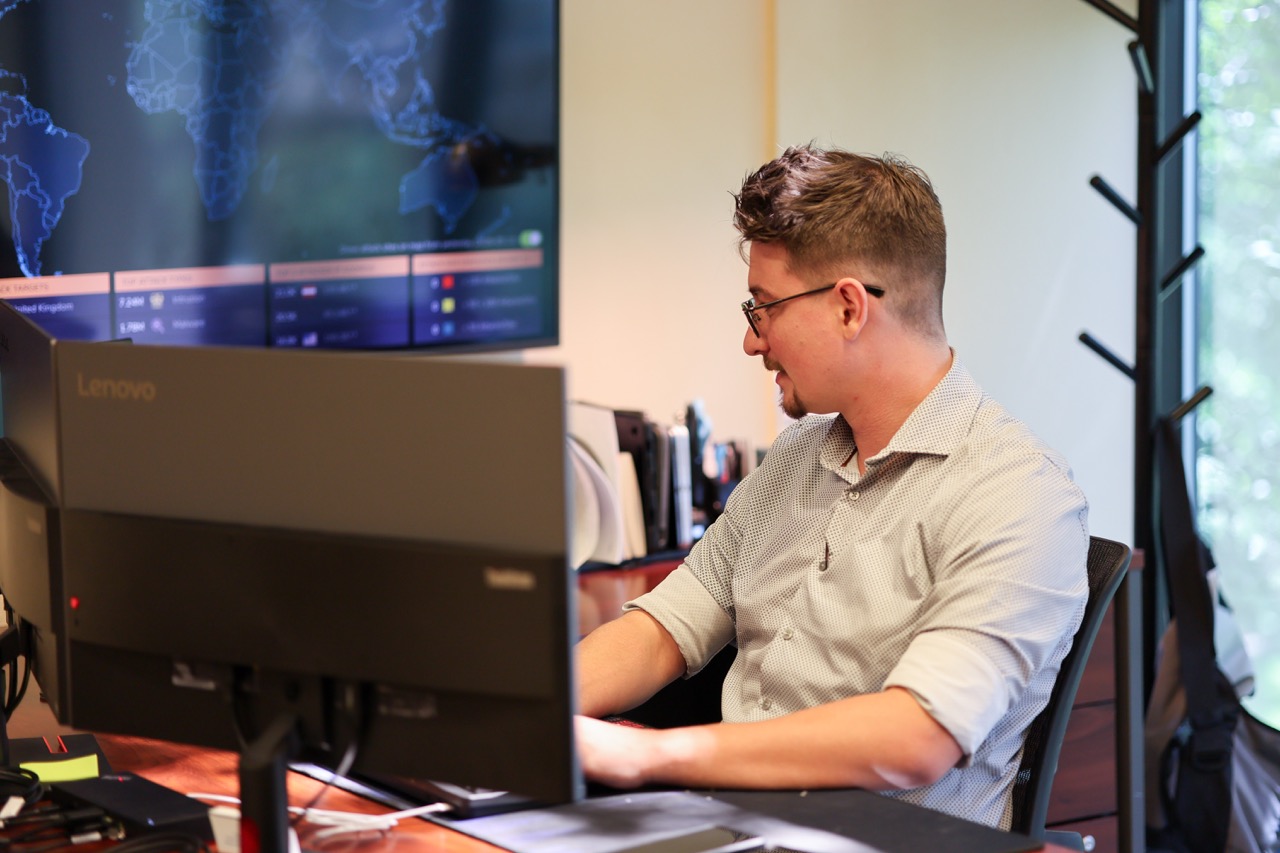
Once the immediate onboarding work is complete and the biggest concerns have been addressed, the focus starts shifting.
By this point, your provider should have a much better understanding of your business—not just your technology.
They can start answering questions like:
This is where managed IT starts becoming more than technical support.
Instead of making technology decisions one emergency at a time, you can start looking ahead.
Maybe you have several computers that should be replaced over the next two years. Maybe your server is approaching the end of its useful life. Maybe you're planning to add employees or open another location.
Those aren't necessarily problems that need to be solved today.
But they're much easier to handle when you know they're coming.
The biggest change shouldn't necessarily be that you've replaced a bunch of equipment or completely rebuilt your network.
It should be that there are fewer unknowns.
You should have a clearer picture of what technology your business has and what condition it's in. Your employees should know where to go for support. Your backups and security should have been reviewed. Your provider should understand which systems are most important to the business.
And you should have a better idea of what needs attention next.
That's really the value of a good onboarding process.
You're no longer guessing.
Sometimes a new IT provider walks into an environment that's already in pretty good shape.
Other times, they uncover years of aging equipment, inconsistent maintenance, security gaps, or problems that were never fully addressed.
That doesn't automatically mean everything needs to be fixed at once.
Your provider should be able to explain what they found in plain language, why it matters, and how urgently it needs attention.
From there, you can build improvements into a realistic timeline and budget.
The goal isn't to make your technology perfect in 90 days. It's to know where you stand and have a plan for where you're going.
Technology changes. Employees come and go. Businesses grow. Equipment gets older. New security threats appear.
That's why managed IT isn't a one-time cleanup project.
A good IT relationship starts with understanding your environment, but it continues through ongoing support, monitoring, planning, and conversations about what the business needs next.
The better your IT provider understands your business, the easier it becomes to make technology decisions before they turn into emergencies.
Changing IT providers doesn't have to mean months of disruption or uncertainty.
ICC takes the time to understand your systems, document your environment, identify the issues that matter most, and create a plan based on your business priorities.
The goal is simple: get a clear picture of where your technology stands today so you can make better decisions about what comes next.
September 21, 2026